
#003
DROP 004 Venusaur
grass poison
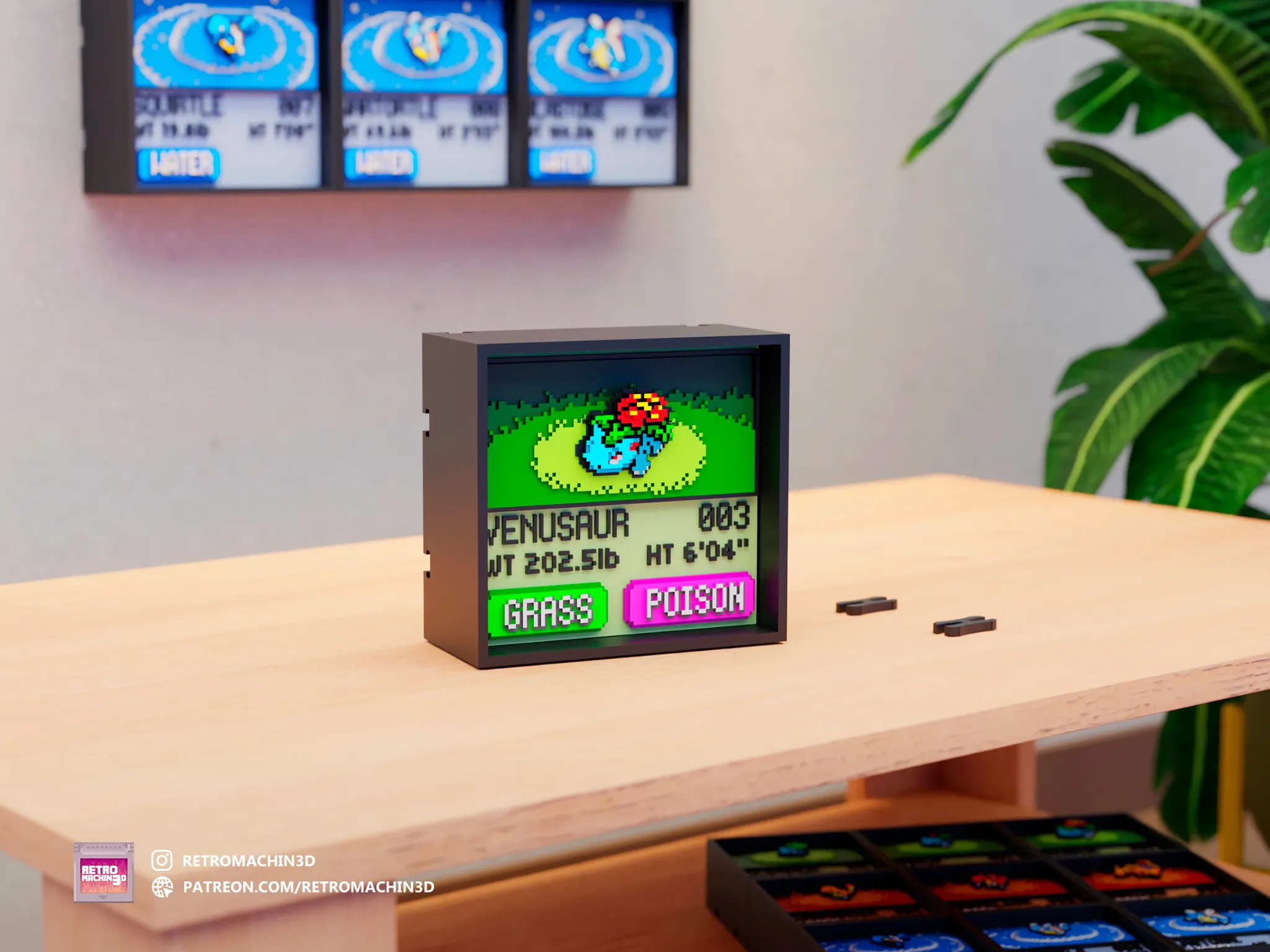
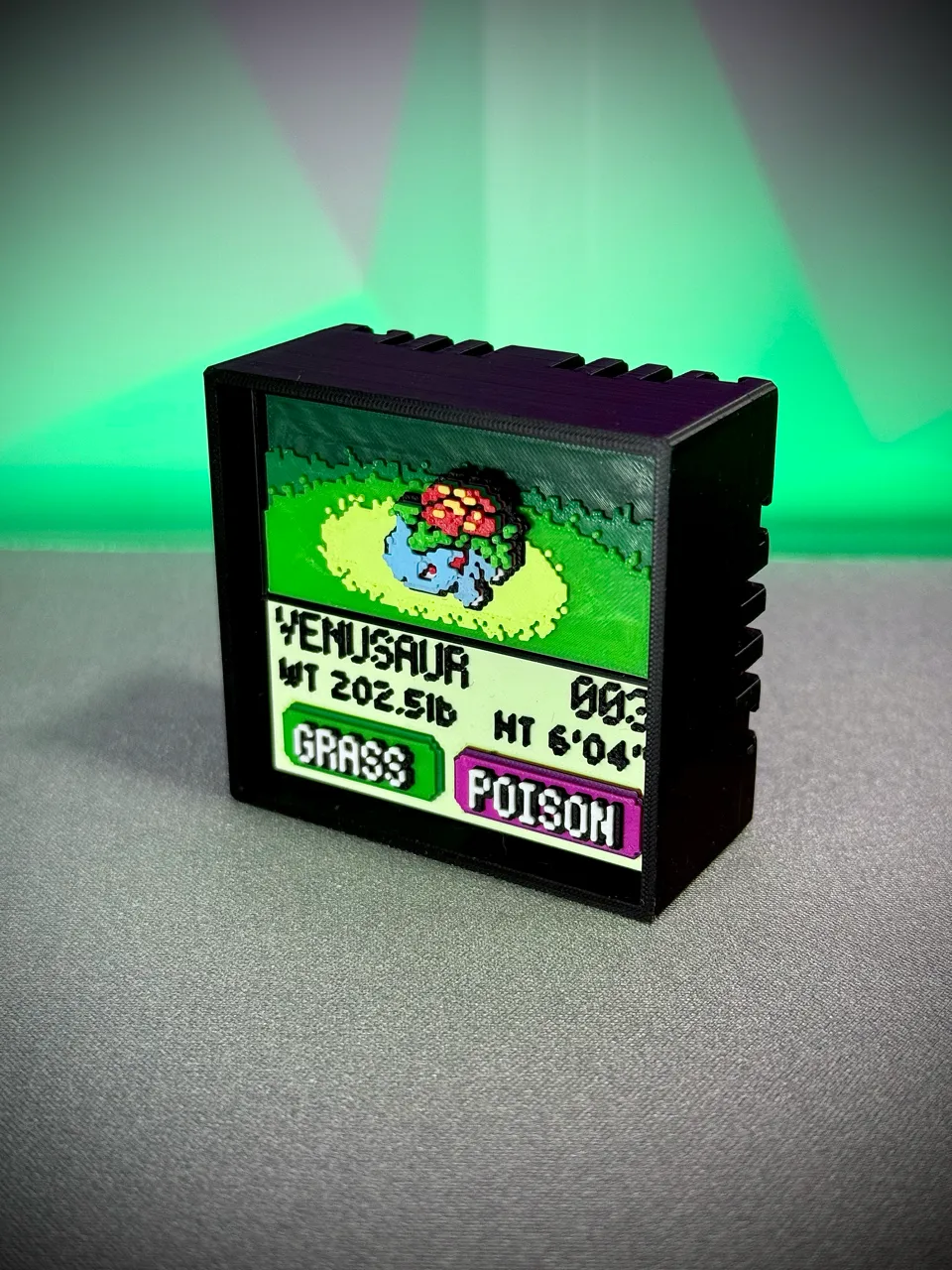
Real Printed Model
Photos Tap to enlarge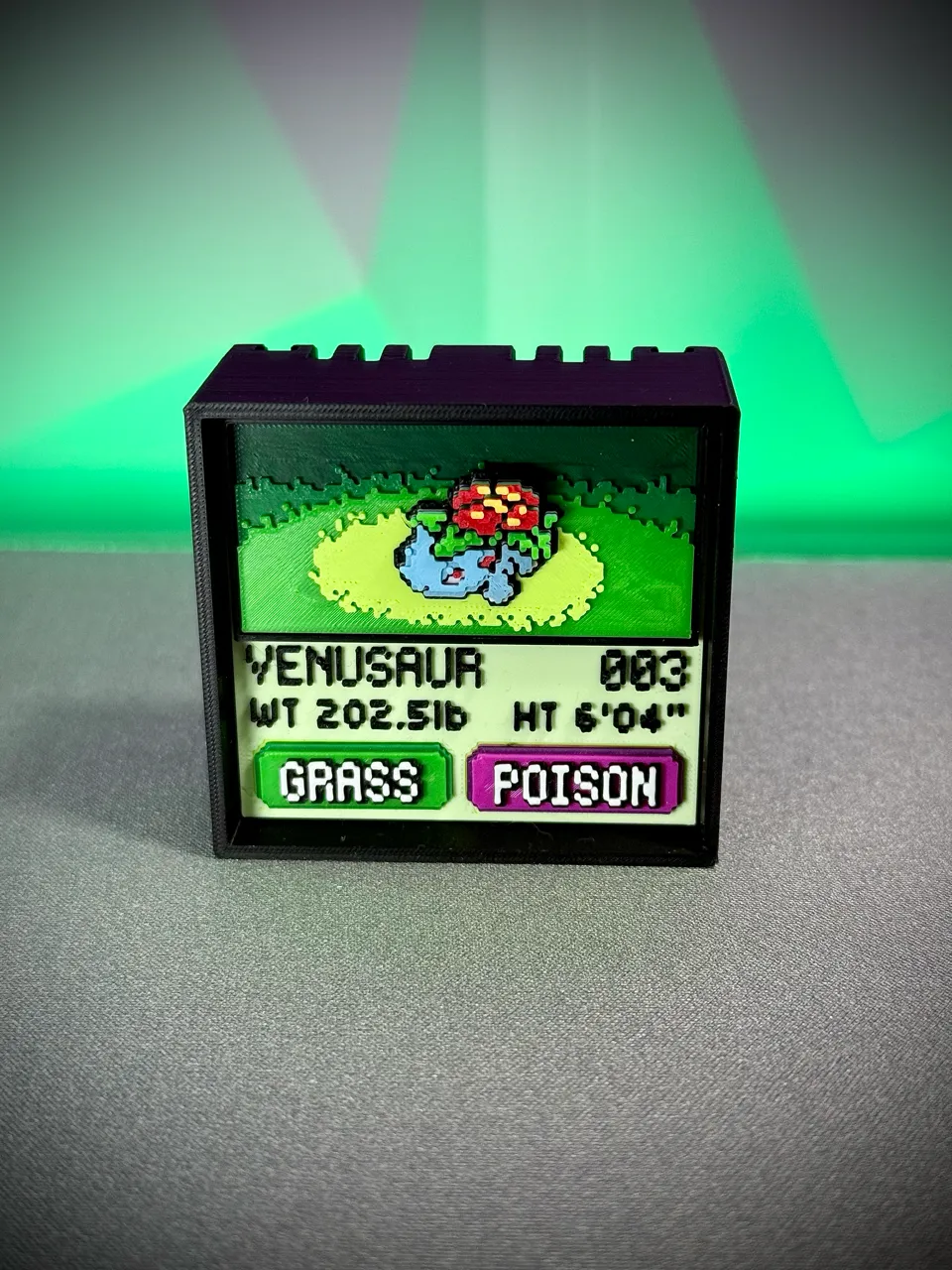
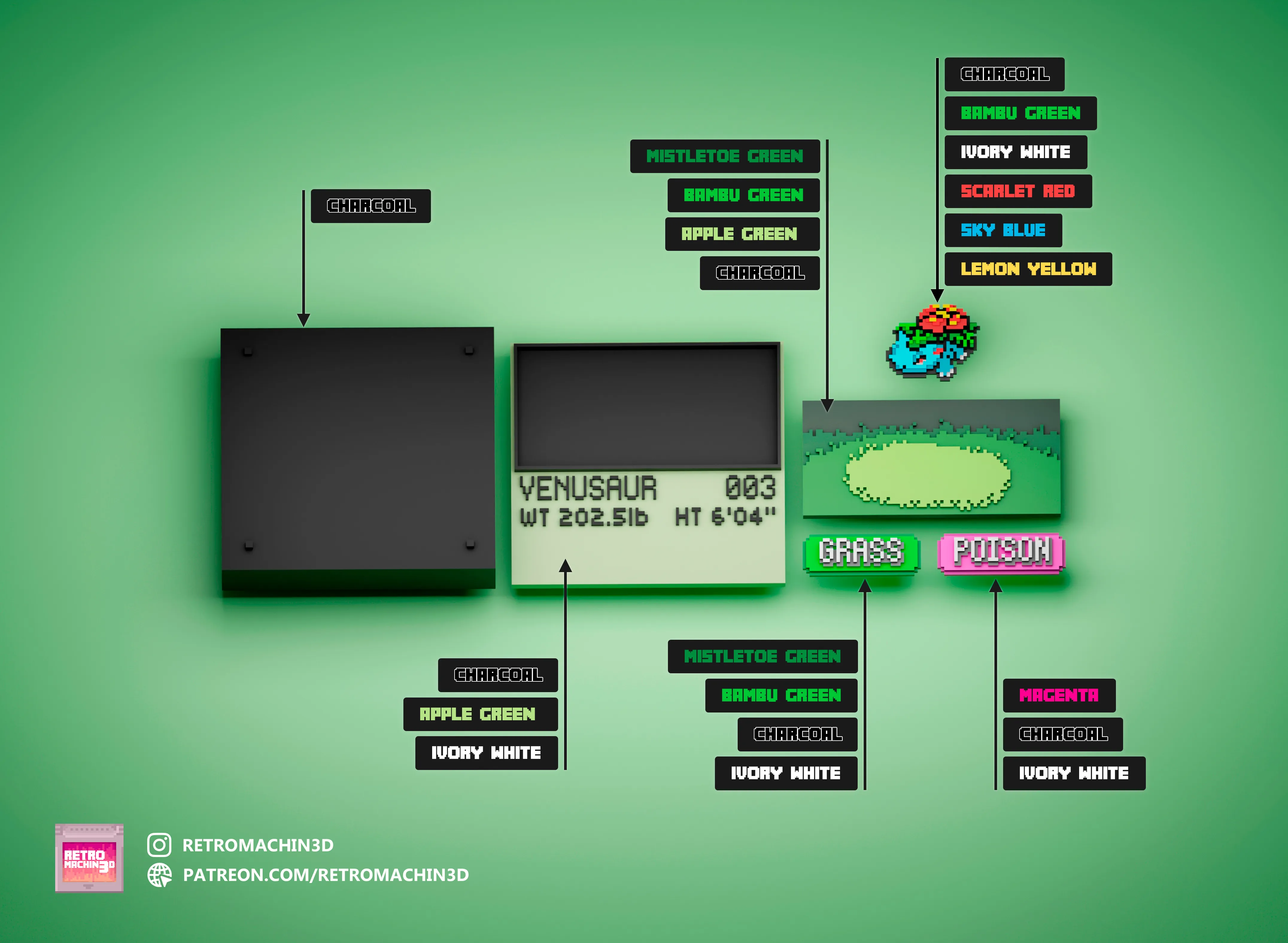
Required Filaments

Charcoal
PLA Matte
11101

Mistletoe Green
PLA Basic
10502

Bambu Green
PLA Basic
10501
Apple Green
PLA Matte
11502

Ivory White
PLA Matte
11100

Scarlet Red
PLA Matte
11200

Sky Blue
PLA Matte
11603

Magenta
PLA Basic
10202

Lemon Yellow
PLA Matte
11400
Print Instructions
General Print Settings
Applicable to all parts unless specified otherwise:
- Layer Height: 0.1mm
- Nozzle Diameter: 0.2mm
- Infill: 100% (recommended for durability)
- Materials: PLA or compatible filament
Color Change Setup
For BambuStudio Users
✅ Pre-configured Solution:
- Use included
.3mffile with:- Automatic color swaps
- Optimized AMS slot assignments
- Layer-specific Z-height adjustments
For Other Slicers
🔧 Manual Configuration:
- Import individual STL files
- Set color changes using layer/Z-height tables below
- Enable purge towers for clean transitions
AMS Slot Optimization (6 Colors in 4 Slots)
Shared Slot Configuration
| Slot | Initial Filament | Swap Filament | Swap Layer |
|---|---|---|---|
| 1 | PLA Matte Charcoal | PLA Basic Bambu Green | 15 |
| 2 | PLA Matte Sky Blue | PLA Matte Lemon Yellow | 20 |
| 3 | PLA Matte Scarlet Red | — | — |
| 4 | PLA Matte Ivory White | — | — |
| Implementation Steps: |
- In Bambu Studio: Assign both colors to shared slots (1 & 2)
- Set swap layers at Z=1.5mm (Layer 15) and Z=2.0mm (Layer 20)
- Replace the filament in the shared slot without pausing the print.
Part Printing Guides
Part 1: Grass Background (BG Grass.stl)
| Layer | Z-Height | Action | Filament |
|---|---|---|---|
| 0 | 0.0mm | Start print with | Matte Charcoal (11101) |
| 8 | 0.8mm | Swap to | Basic Mistletoe Green (10502) |
| 15 | 1.5mm | Swap to | Basic Bambu Green (10501) |
| 22 | 2.2mm | Final swap to | Matte Apple Green (11502) |
Part 2: Grass Type (grass.stl)
| Layer | Z-Height | Action | Filament |
|---|---|---|---|
| 0 | 0.0mm | Start print with | Basic Mistletoe Green (10502) |
| 10 | 1.0mm | Swap to | Basic Bambu Green (10501) |
| 16 | 1.6mm | Swap to | Matte Charcoal (11101) |
| 23 | 2.3mm | Final swap to | Matte Ivory White (11100) |
Part 3: Poison Type (Poison.stl)
| Layer | Z-Height | Action | Filament |
|---|---|---|---|
| 0 | 0.0mm | Start print with | Basic Magenta (10202) |
| 7 | 0.7mm | Swap to | Matte Charcoal (11101) |
| 9 | 0.9mm | Swap back to | Basic Magenta (10202) |
| 16 | 1.6mm | Swap to | Matte Charcoal (11101) |
| 23 | 2.3mm | Final swap to | Matte Ivory White (11100) |
Part 4: Info Screen (003 InfoScreen.stl)
| Layer | Z-Height | Action | Filament |
|---|---|---|---|
| 0 | 0.0mm | Start print with | Matte Apple Green (11502) |
| 24 | 2.4mm | Swap to | Matte Ivory White (11100) |
| 25 | 2.5mm | Final swap to | Matte Charcoal (11101) |
Part 5: Ivysaur (003 Venusaur.stl)
| Layer | Z-Height | Action | Filament |
|---|---|---|---|
| 0 | 0.0mm | Start print with | Matte Charcoal (11101) |
| 7 | 0.7mm | Swap to | Matte Ivory White (11100) |
| 11 | 1.1mm | Swap to | Matte Scarlet Red (11200) |
| 14 | 1.4mm | Swap back to | Matte Charcoal (11101) |
| 15 | 1.5mm | Swap to | Matte Sky Blue (11603) |
| 17 | 1.7mm | Swap to | Matte Ivory White (11100) |
| 18 | 1.8mm | Swap back to | Matte Sky Blue (11603) |
| 20 | 2.0mm | Swap to | Basic Bambu Green (10501) |
| 23 | 2.3mm | Swap to | Matte Ivory White (11100) |
| 24 | 2.4mm | Swap back to | Basic Bambu Green (10501) |
| 26 | 2.6mm | Swap to | Matte Scarlet Red (11200) |
| 29 | 2.9mm | Swap to | Matte Ivory White (11100) |
| 31 | 3.1mm | Swap back to | Matte Scarlet Red (11200) |
| 33 | 3.3mm | Final swap to | Matte Lemon Yellow (11400) |